How we retought the recognition process at TU Wien
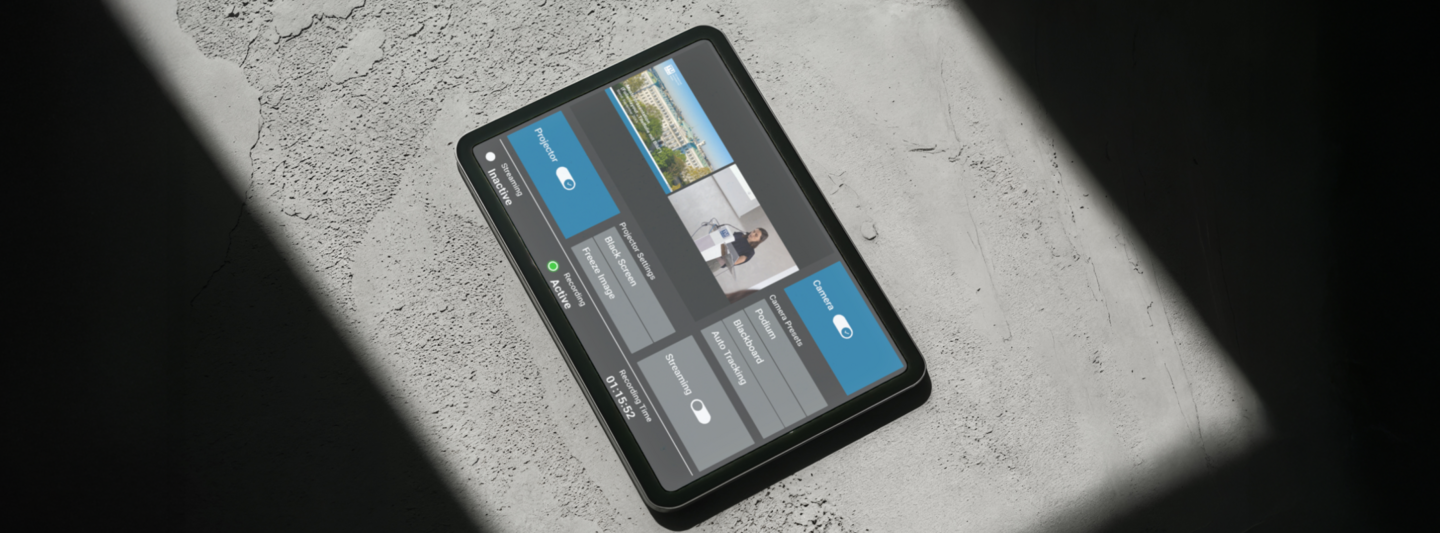
Although the lecture halls at TU Wien are equipped with modern media technology, control via touch panel has been inconsistent, technically complex, and often difficult to understand for lecturers. The various room-setups (projectors, screens, cameras, lighting, audio) have led to uncertainty and made standardisation necessary.
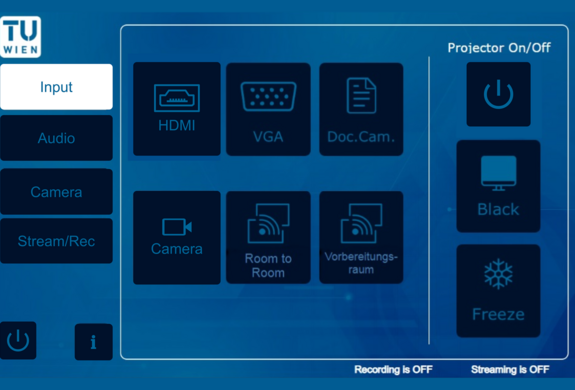
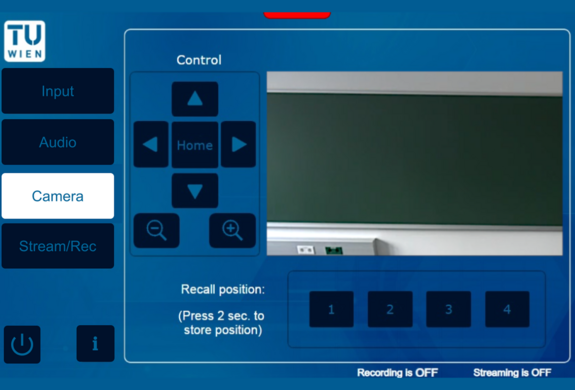
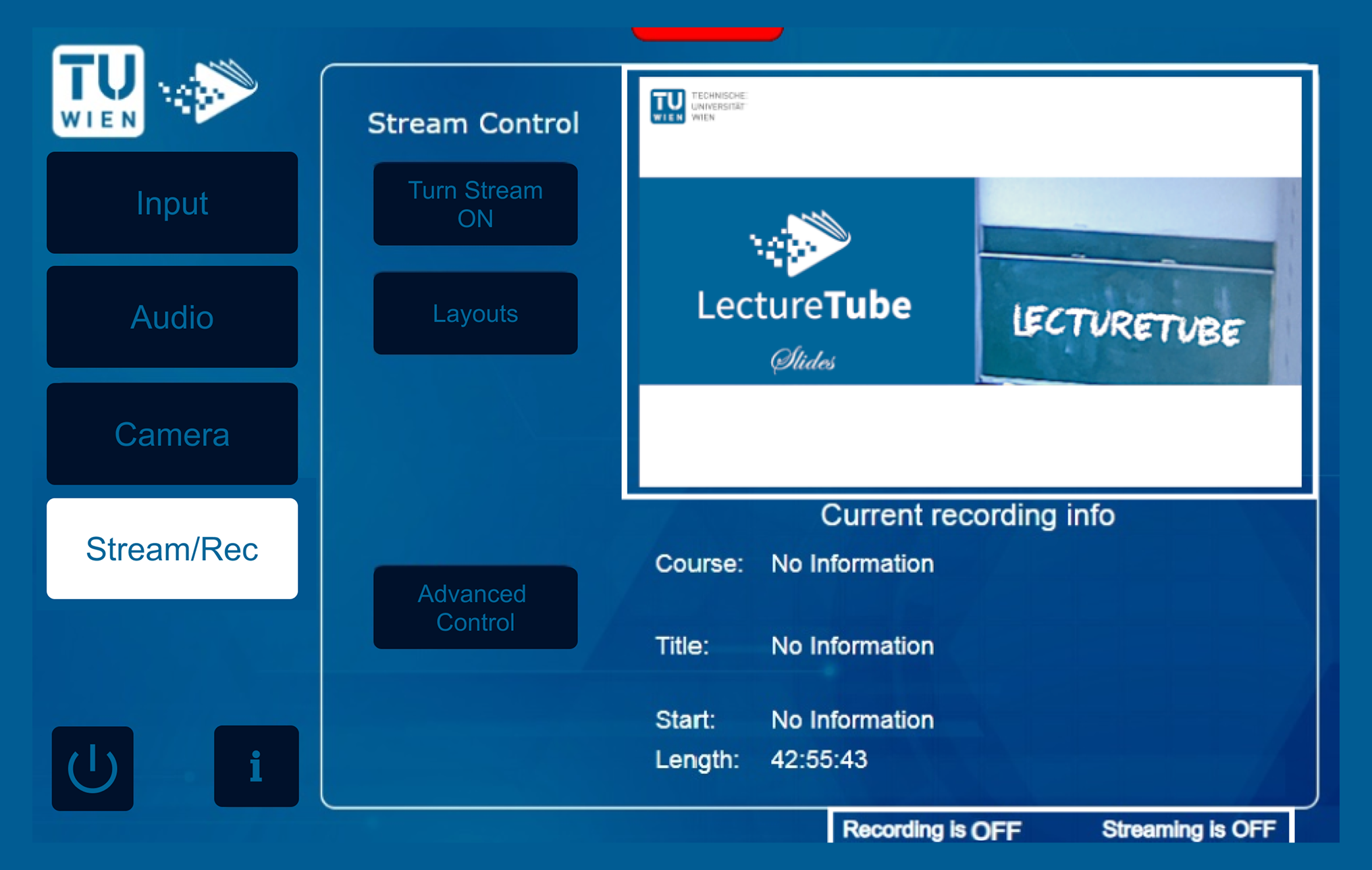
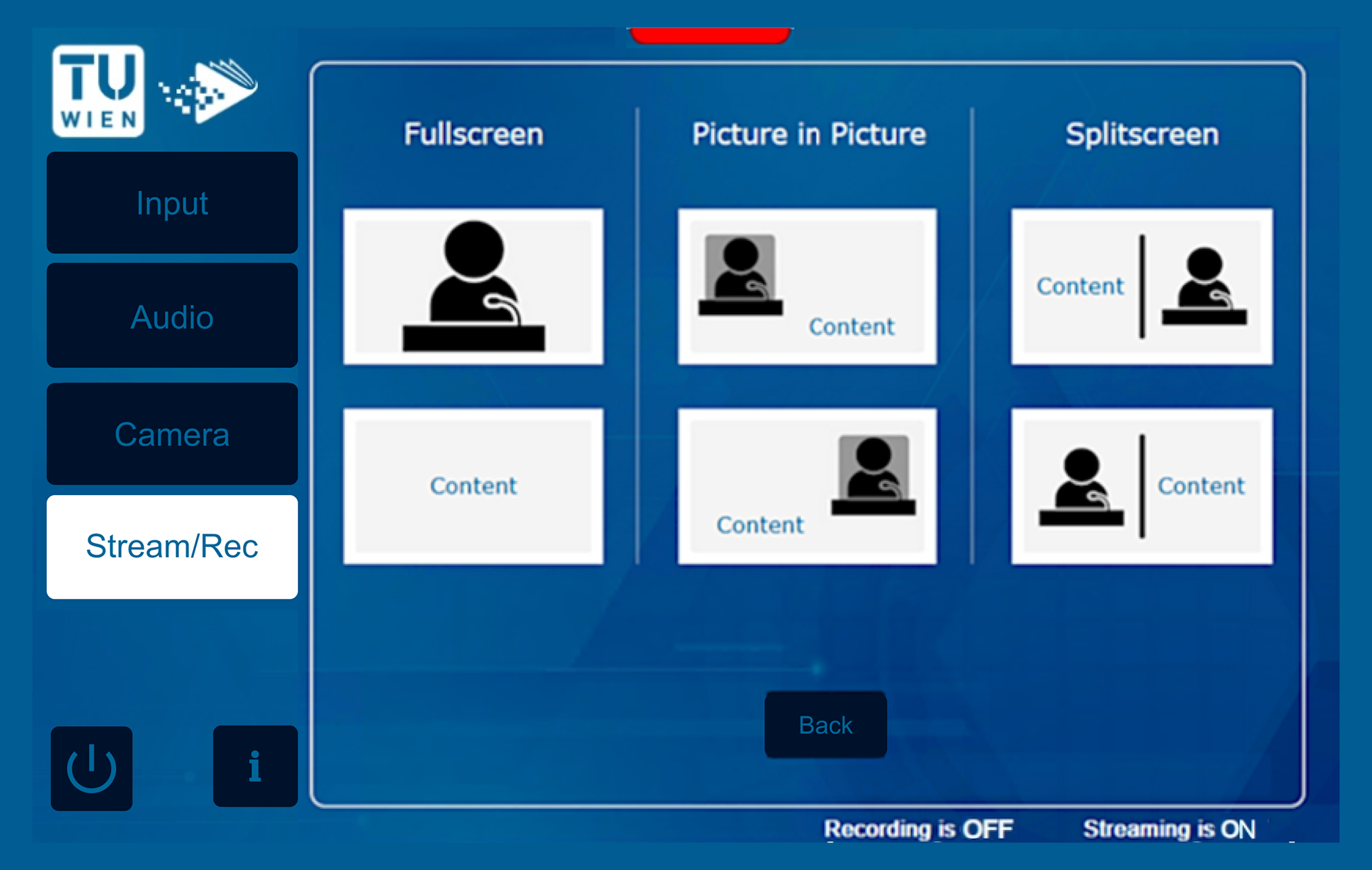
We designed a new, consistent interface for the touch panels, focusing on:
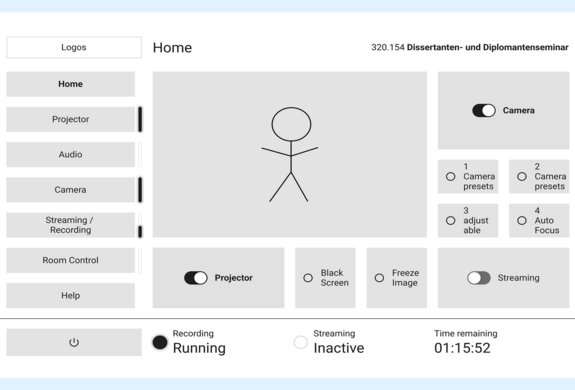
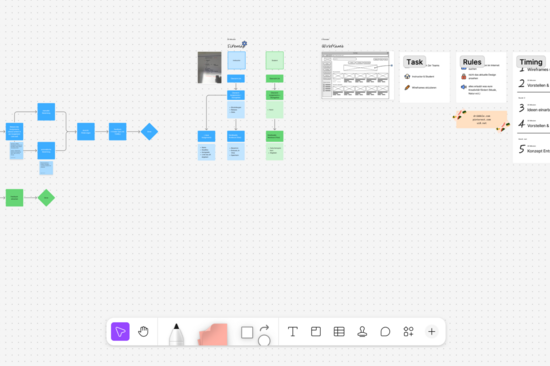
During the project, we adopted a user-centred approach. Firstly, lecturers were involved through interviews and observations of their everyday use of the lecture hall, in order to understand their workflows and needs. Based on this, we designed early wireframes and prototypes in Figma, which were tested and refined through multiple iterations. Throughout multiple stages of testing, feedback regarding navigation, comprehensibility and workflows was systematically collected: first with a clickable prototype and later with the fully programmed touch panel. Alongside this, we created an extensive style guide and design guidelines so that the final concept could be seamlessly handed over to the development team.
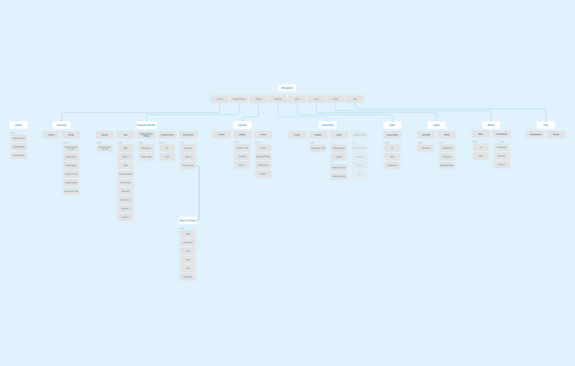
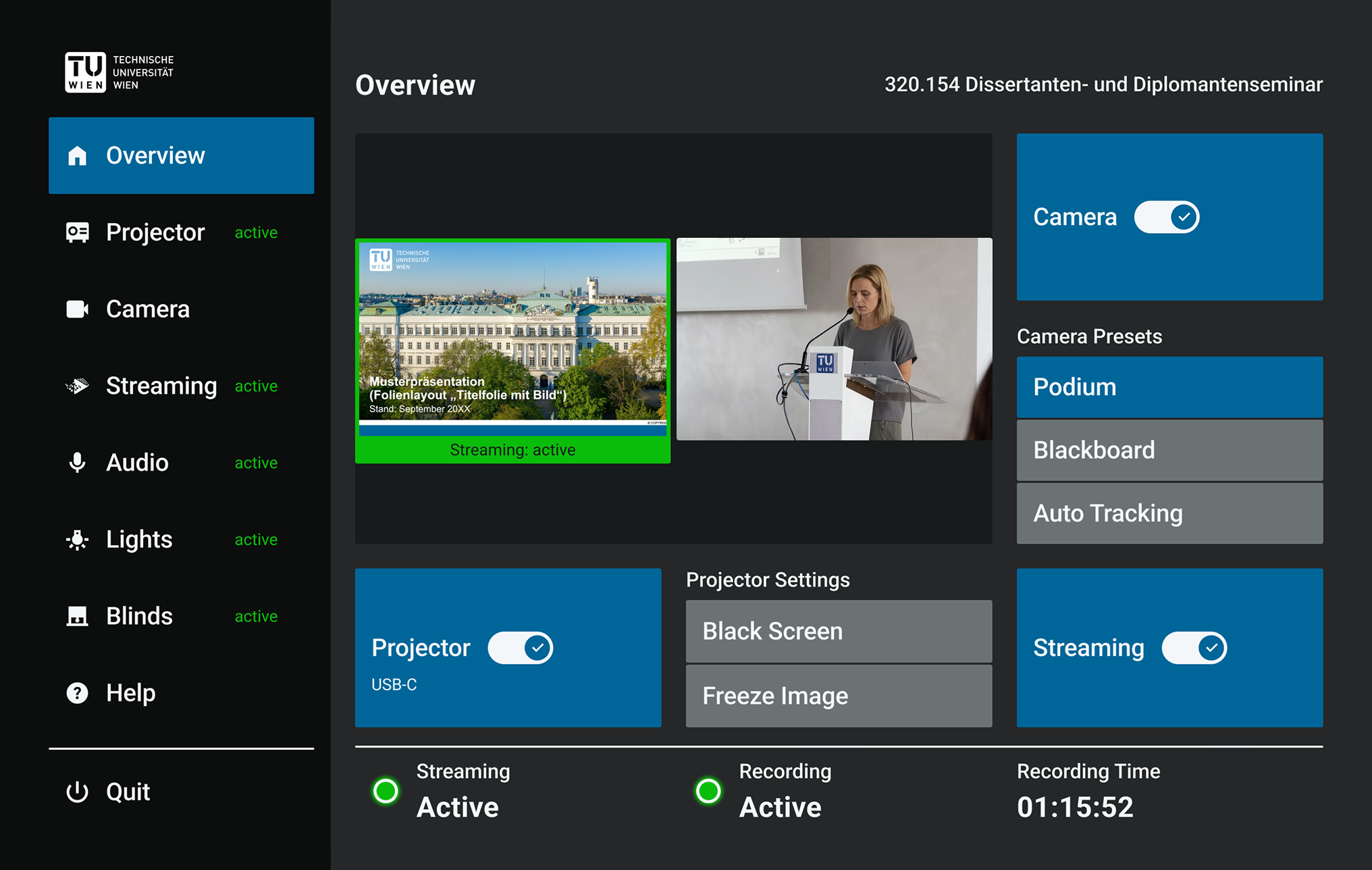
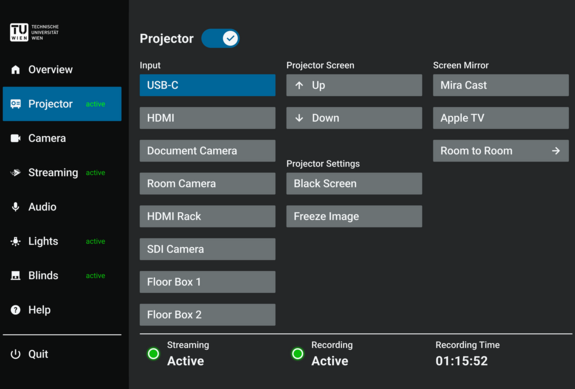
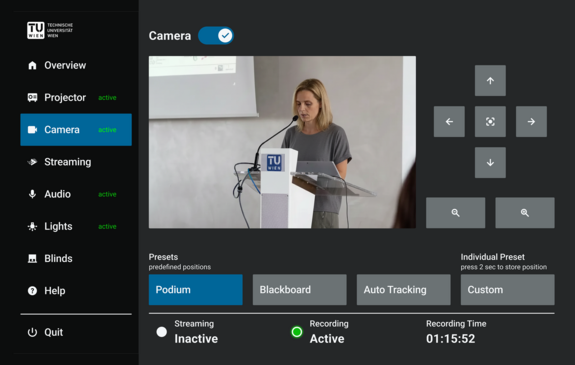
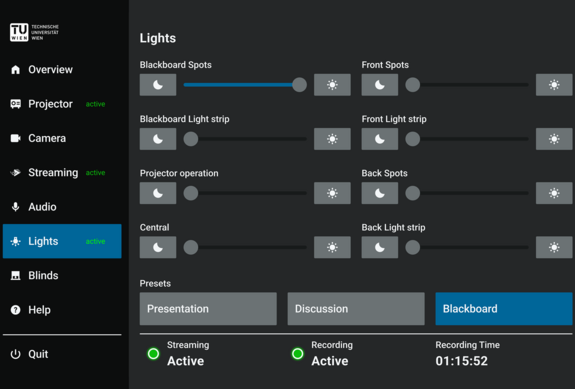
The new touch panel allows lecturers to control all the functions for their lecture with just a few clicks – from the camera and streaming to audio, lighting and blinds. Thanks to its clear structure and intuitive wording, users feel more confident and can begin their lectures without encountering any technical hurdles.
The visualisations shown are based on the original design concept. The currently implemented version has been functionally adapted to meet technical and system requirements and has been implemented in a simplified form in certain areas. As a result, certain interactions and UX aspects may differ from the designs shown.
The TU-wide rollout is planned for summer 2026.